
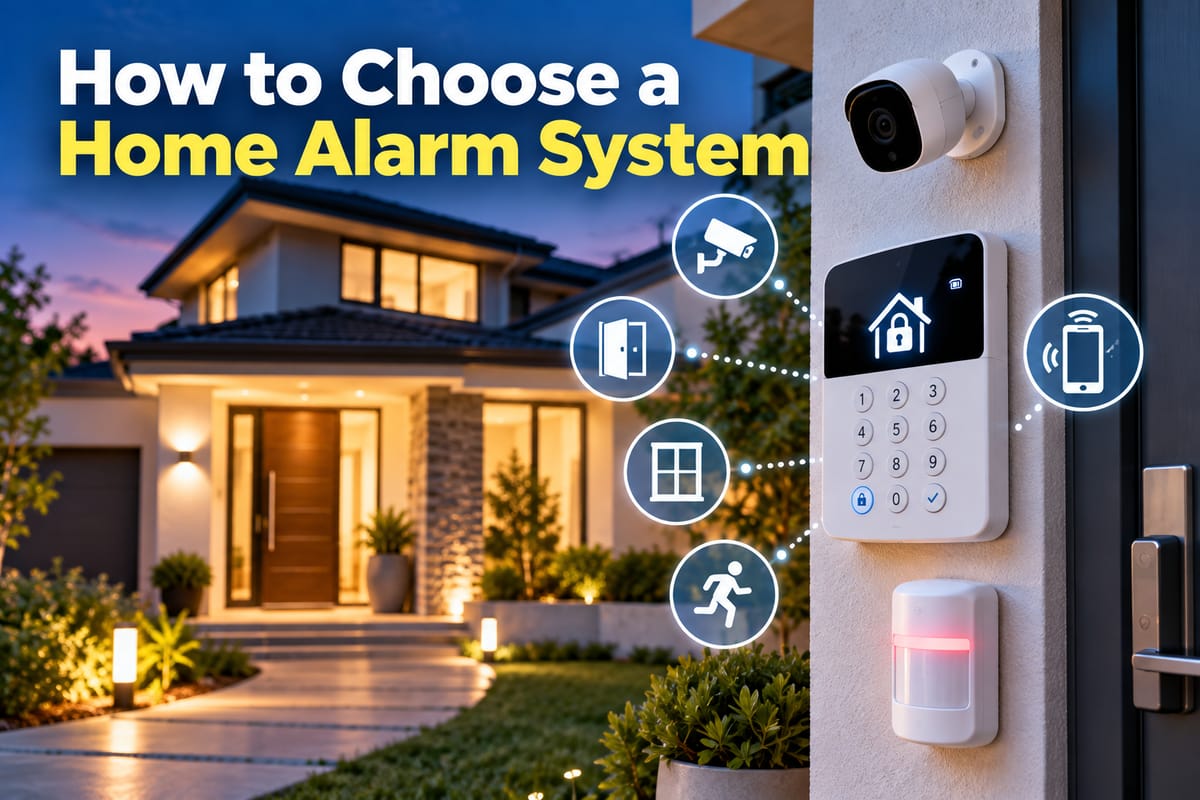
How to Choose a Home Alarm System
A home alarm system can provide an additional layer of protection by alerting residents when doors, windows, motion sensors, or other monitored areas detect unusual activity. Modern systems range from simple alarms with a few sensors to connected security platforms that combine alarms, cameras, mobile notifications, smart locks, and professional monitoring.
Choosing the right system is less about finding the most complicated technology and more about understanding what the home actually needs. A small apartment may require a very different setup from a large house with multiple exterior doors, a garage, and extensive outdoor space.
The best starting point is to assess the property, identify potential vulnerabilities, and then choose equipment that provides useful protection without creating unnecessary complexity.
What Is a Home Alarm System?
A home alarm system is a collection of devices designed to detect specific events and produce an alert.
Depending on the system, these devices can include:
- Door and window sensors
- Motion detectors
- Glass-break sensors
- Smoke and carbon monoxide detectors
- Security cameras
- Keypads
- Sirens
- Smart locks
- Mobile applications
- Professional monitoring services
When a sensor detects an event, the system can trigger an audible alarm, send a notification to a smartphone, contact a monitoring service, or activate another connected device.
Alarm systems can operate independently or form part of a broader smart-home security setup.
Start With a Home Security Assessment
Before choosing an alarm system, examine the property.
Walk around the home and identify every potential entry point. Consider front and back doors, side entrances, accessible windows, garage doors, and other areas that could require monitoring.
Think about:
- Which doors are used most often?
- Which windows are accessible from outside?
- Does the property have a garage?
- Are there detached buildings?
- Are there large areas that cannot be easily observed?
- Does the home already have security cameras or smart devices?
- Are there areas where motion sensors could produce frequent false alarms?
A security system should be designed around the property rather than selected solely according to the number of features advertised on the box.
The broader principles of creating a safe living environment are discussed in The Complete Guide to Healthy Home Living.
Decide What You Want the Alarm to Do
Different households have different security priorities.
Some homeowners primarily want an alarm to warn them if someone opens an exterior door. Others may want comprehensive monitoring that includes windows, motion detection, cameras, smoke alarms, and professional response.
Before comparing systems, identify the main objectives.
You might want to:
- Detect unauthorized entry
- Receive alerts while away from home
- Deter potential intruders
- Monitor vulnerable rooms
- Integrate security cameras
- Protect a garage
- Monitor environmental hazards
- Have professional monitoring available
Defining the purpose first makes it easier to determine which features are genuinely useful.
Wired vs. Wireless Alarm Systems
One of the first decisions is whether to choose a wired or wireless system.
Wired Systems
Wired alarms use physical cables to connect sensors and other components.
They can provide reliable communication between devices and may be particularly appropriate for homes with existing security wiring.
However, installation can be more complicated, especially in an existing home where running new cables requires access to walls or ceilings.
Wireless Systems
Wireless alarms communicate using radio or other wireless technologies.
They are often easier to install and can provide flexibility when adding or moving sensors.
However, wireless devices depend on batteries or other power arrangements, so regular maintenance is important.
Neither approach is automatically suitable for every home. The property’s construction, existing wiring, layout, and security requirements should influence the decision.
Consider the Main Entry Points
Doors and windows are central to many home security systems.
Door and window sensors can detect when an opening is unexpectedly opened.
A sensor typically consists of two components positioned so that the system can determine whether the door or window is closed.
These devices are relatively simple but can provide useful information about the status of important entry points.
An alarm should complement physical security rather than replace it. Before choosing a system, review the home’s existing protections using How to secure doors and entry points at home.
Think About Motion Sensors
Motion sensors can detect movement within selected areas of a property.
They can be useful for monitoring spaces where an intruder might move after entering the home.
However, sensor placement matters.
Poorly positioned sensors can produce false alarms caused by pets, sunlight, heating systems, moving curtains, or other environmental factors depending on the technology being used.
A professional installer can help determine suitable locations, while homeowners installing their own systems should carefully follow the manufacturer’s placement instructions.
Decide Whether You Need Security Cameras
Cameras and alarms serve different purposes.
An alarm can alert you that a sensor has been triggered, while a camera can provide visual information about what is happening.
A modern security system may combine both.
When considering cameras, think about:
- Where cameras should be positioned
- Which areas need coverage
- Night-time visibility
- Image quality
- Motion detection
- Video storage
- Privacy
- Mobile access
- Network reliability
Avoid placing cameras where they unnecessarily intrude on the privacy of household members, neighbors, or visitors.
Consider Professional Monitoring
Some alarm systems can connect to a professional monitoring service.
When an alarm is triggered, the monitoring center can receive the alert and follow the agreed response procedure.
This can be useful when homeowners are away from the property or unable to respond themselves.
Professional monitoring typically involves an ongoing subscription, so consider the long-term cost as well as the initial equipment price.
Before signing up, understand:
- Monthly fees
- Contract terms
- Cancellation policies
- Monitoring coverage
- Response procedures
- Equipment ownership
- Backup communication methods
- What happens if the internet or power fails
Self-Monitoring Can Be an Alternative
Some systems allow homeowners to monitor alarms themselves through smartphone applications.
A notification can be sent when a sensor is triggered, allowing the homeowner to decide what action to take.
Self-monitoring can reduce recurring service costs, but it also means the homeowner is responsible for responding to alerts.
Consider whether someone will reliably see and respond to notifications at different times of day.
Check Cellular and Internet Backup Options
Connected alarm systems can depend on an internet connection.
If the internet goes offline, some systems may lose certain functions.
Systems with cellular backup can provide an alternative communication path, depending on the equipment and service plan.
Power outages are another consideration.
Look for systems that offer battery backup where appropriate, and understand how long the system is designed to continue operating during a power interruption.
Think About Smart-Home Integration
Many modern alarm systems can communicate with other smart-home devices.
Depending on the platform, an alarm system might connect with:
- Smart lights
- Smart locks
- Doorbells
- Security cameras
- Thermostats
- Voice assistants
- Smoke detectors
- Mobile applications
Integration can make a system more convenient, but additional connections can also increase complexity.
Choose an ecosystem that works reliably with the devices you already own or genuinely expect to use.
Consider Environmental Monitoring
A home alarm system does not necessarily need to focus exclusively on unauthorized entry.
Some systems can also monitor hazards such as smoke, carbon monoxide, water leaks, and unusual temperature changes.
These features can provide another layer of household protection.
However, specialized alarms should be installed and maintained according to applicable safety guidance and manufacturer instructions.
Understanding the broader range of risks found inside a home can help determine whether environmental sensors would be useful. The What Are Common Household Hazards? guide covers several common household risks.
Pay Attention to False Alarms
A security system is only useful if people trust and use it.
Frequent false alarms can become frustrating and may eventually cause household members to ignore alerts or stop activating the system.
Before purchasing, consider how the system handles:
- Pets
- Children
- Open windows
- Frequent visitors
- Cleaning
- Deliveries
- Household routines
- Power interruptions
- Internet outages
Proper sensor placement and configuration can help reduce unnecessary alerts.
Evaluate Ease of Use
An alarm system can have excellent technical capabilities and still be inconvenient.
Consider how easily household members can:
- Arm the system
- Disarm it
- Add users
- Change access codes
- Check system status
- Respond to alerts
- Replace batteries
- Test sensors
If the system is difficult to operate, people may be less likely to use it consistently.
A simple system that household members understand may be more practical than a complicated platform filled with features nobody uses.
Check Battery Requirements
Wireless sensors commonly rely on batteries.
Before buying a system, find out:
- Which devices require batteries
- How often batteries typically need replacement
- Whether the system warns about low batteries
- What happens when a battery runs out
- Whether replacement batteries are readily available
Keep track of battery replacement as part of normal household maintenance.
A security sensor that has stopped functioning because its battery is dead provides little protection.
Protect the Alarm System Itself
Security equipment should also be protected from unauthorized access.
Use strong passwords for associated accounts and enable multi-factor authentication when available.
Avoid sharing administrative credentials unnecessarily.
For smart security systems, keep firmware and applications updated so that known security issues can be addressed when manufacturers release updates.
Also consider who has access to:
- Mobile applications
- Alarm codes
- Smart locks
- Camera feeds
- Monitoring accounts
When someone no longer needs access, remove or update their credentials where the system allows it.
Compare Installation Options
Alarm systems can be professionally installed or designed for do-it-yourself installation.
Professional Installation
Professional installation can be useful for larger or more complicated properties.
An installer can assess sensor placement, configure equipment, connect devices, and explain how the system works.
The downside is that professional installation may involve additional costs or service requirements.
DIY Installation
DIY systems can provide flexibility and may be suitable for apartments, smaller homes, or people comfortable configuring technology.
However, homeowners are responsible for choosing sensor locations, configuring the system, and maintaining equipment.
The right option depends on the complexity of the property and the homeowner’s comfort level.
Consider the Total Cost
Do not focus only on the advertised equipment price.
The total cost can include:
- Control panel
- Sensors
- Cameras
- Installation
- Monitoring subscription
- Cloud storage
- Replacement batteries
- Cellular service
- Additional accessories
- Equipment upgrades
Calculate both the initial cost and the expected recurring expenses.
A less expensive system may become more costly over several years if it requires substantial subscriptions or proprietary accessories.
Review Privacy and Data Practices
Connected security systems can collect sensitive information.
Cameras may record activity around a home, while applications can store information about when alarms are activated or who has access.
Before purchasing a connected system, review its privacy and data policies.
Consider:
- Where recordings are stored
- How long data is retained
- Who can access recordings
- Whether data is encrypted
- Whether accounts support multi-factor authentication
- Whether recordings can be stored locally
- How accounts can be deleted
Security should include both physical protection and responsible handling of digital information.
Create a Household Security Routine
An alarm system works best when combined with consistent household habits.
Residents should know how to:
- Arm the system before leaving
- Disarm it when returning
- Respond to alarms
- Handle accidental triggers
- Report equipment problems
- Test sensors
- Replace batteries
- Update access credentials
Everyone who regularly uses the home should understand the basic procedure.
Keep Emergency Exits Accessible
Security equipment should never create an unnecessary obstacle during an emergency.
Doors and designated emergency exits need to remain usable from inside the home.
Household members should know how to leave the property if there is a fire, medical emergency, or other dangerous situation.
The alarm system should support emergency preparedness rather than interfere with it.
Include the Alarm in a Household Safety Checklist
A written checklist can make it easier to maintain both security and general safety equipment.
Include items such as:
- Test alarm sensors
- Check batteries
- Test smoke alarms
- Check carbon monoxide detectors
- Review camera operation
- Inspect exterior doors
- Check window locks
- Review emergency exits
- Update access codes
- Remove former users
- Review monitoring subscriptions
The How to Build a Household Safety Checklist guide can help organize these recurring checks.
Choose Features Based on Your Actual Needs
A home alarm system does not need to contain every available feature.
A small property might need a basic control panel, several door sensors, a motion detector, and smartphone notifications.
A larger property might benefit from additional window sensors, multiple cameras, garage monitoring, environmental sensors, smart locks, and professional monitoring.
The right configuration depends on:
- Property size
- Number of entry points
- Household routines
- Budget
- Existing security measures
- Technology preferences
- Monitoring needs
- Local conditions
Start with the risks that matter most and add features only when they provide a meaningful benefit.
Build Security in Layers
An alarm system should be one part of a broader home-security strategy.
Other layers can include:
- Strong exterior doors
- Reliable locks
- Secure windows
- Good outdoor lighting
- Visible house numbers
- Properly maintained landscaping
- Security cameras
- Safe key management
- Emergency planning
- Consistent household routines
Layered security means that no single device has to provide all the protection.
Make the System Easy to Maintain
Before committing to an alarm system, think about what maintaining it will involve several years from now.
Ask whether replacement components will remain available, whether the software receives updates, how subscriptions can change, and whether the system can be expanded if your household needs change.
A system that is easy to maintain and understand can remain useful for much longer than one that depends on complicated equipment or services that are difficult to manage.
Choose a System That Fits the Home
Choosing a home alarm system is ultimately about matching technology to the property’s actual needs.
Start by examining doors, windows, garages, outdoor areas, and other potential vulnerabilities. Decide what you want the system to detect, determine whether you need professional monitoring, and consider whether cameras, smart-home integration, or environmental sensors would provide meaningful additional protection.
Then compare installation requirements, recurring costs, privacy practices, maintenance needs, and ease of use.
A well-designed alarm system should fit naturally into everyday life while providing another layer of awareness and protection. Combined with secure entry points, good household habits, regular maintenance, and a broader safety plan, it can become a practical part of managing a safer home.


2 Comments
Micle harison
June 7, 2019Lorem ipsum dolor sit amet, usu ut perfecto postulant deterruisset, libris causae volutpat at est, ius id modus laoreet urbanitas. Mel ei delenit dolores.
John Doe
June 7, 2019Some consultants are employed indirectly by the client via a consultancy staffing company.